









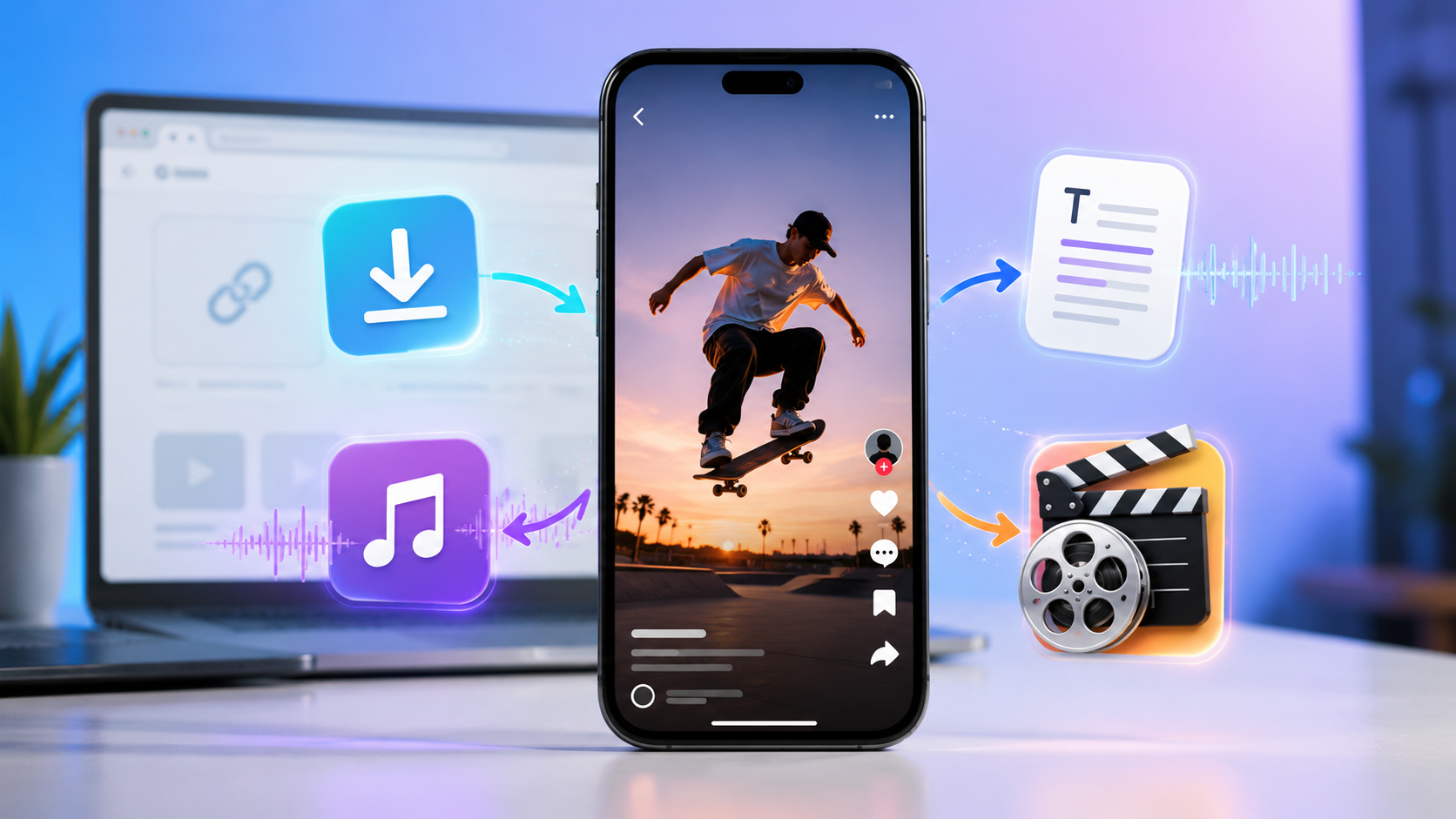
TikTok has become one of the quickest places to discover short videos, trending sounds, film scenes, tutorials, comedy clips, and useful ideas. Sometimes watching a video once is not enough. You may want to keep it for later, save only the sound, turn the spoken words into text, or figure out which movie a short TikTok scene came from.
This is where Tokify can be useful. Tokify is an online TikTok tool that works directly in the browser and gives users a simple way to handle TikTok links. It is a newer platform, but it already includes practical tools for TikTok video downloading, TikTok to MP3 conversion, transcripts, and movie identification from TikTok clips.
The experience is also cleaner than many similar tools. Instead of dealing with heavy ads, fake buttons, or confusing popups, users can paste a TikTok link, wait for the result, and choose the option they need.
What Does Tokify Do?
Tokify is a browser-based platform for working with TikTok links. There is no need to install an app, desktop software, or a browser extension.
It is built around common TikTok tasks. Users can download supported TikTok videos, extract audio as MP3, create text from spoken video content, and try to identify movies from short TikTok edits.
Downloading TikTok Videos with Tokify
Saving TikTok videos can be helpful for offline viewing, personal references, content research, or organizing ideas. Tokify keeps this process simple.
Step 1: Copy the Video Link
Open TikTok, choose the video you want, tap the share option, and copy the video URL.
Step 2: Open Tokify in Your Browser
Go to Tokify from your phone, tablet, laptop, or desktop. Since it works online, there is no extra app to install.
Step 3: Paste the TikTok URL
Paste the copied link into the input field. Tokify will analyze the link and prepare the available result.
Step 4: Save the File
When the result is ready, choose the available download option and save the video to your device.
Converting TikTok Videos to MP3
In many TikTok videos, the audio is the part people care about most. It might be a song, voiceover, quote, sound effect, or spoken explanation. In that case, downloading the full video is not always needed.
Tokify can help extract audio from supported TikTok videos. This can be useful for offline listening, saving a sound reference, collecting voice notes, or keeping audio for personal organization.
The workflow is simple: copy the TikTok link, paste it into the audio tool, and download the available MP3 file.
Turning TikTok Videos into Text
Many short videos contain spoken information that is easier to use when it is written down. A creator might share a tutorial, review a product, explain an idea, tell a story, or give advice. Replaying the same video over and over is not always convenient.
Tokify includes a TikTok transcript tool that can convert supported TikTok videos into readable text. This helps users save information, create notes, prepare captions, summarize clips, or study how a video is structured.
For creators and marketers, transcripts can also be useful for reviewing hooks, scripts, repeated phrases, and the way a short video keeps attention.
Finding Movies from TikTok Clips
Movie edits are very common on TikTok. A short clip might show a dramatic scene, a funny line, or a memorable moment, but the title of the film is not always included. Many people end up scrolling through comments or guessing search terms.
Tokify offers a movie finder from TikTok link for this exact problem. Users can paste a TikTok link, and Tokify will try to recognize the movie when enough information is available from the clip.
This can save time for viewers who discover films through TikTok edits and want to know what to watch next.
Why Choose Tokify?
Clean User Experience
Many online video tools are difficult to use because of redirects, popups, aggressive ads, and misleading buttons. Tokify focuses on a cleaner layout so users can complete the task without extra distractions.
Several TikTok Tools Together
Tokify is more than a simple downloader. It also supports TikTok audio extraction, video transcription, and movie identification from TikTok links.
No Installation Needed
Everything works in the browser. Users can open Tokify on desktop or mobile without installing separate software.
Helpful for Different Users
Viewers can save clips and identify movie scenes. Creators can use transcripts to study content structure. Students can turn educational videos into notes. Editors can collect audio or video references.
Simple Link-Based Workflow
The process is easy to understand: copy a TikTok link, paste it into Tokify, and use the available result.
Who Is Tokify Useful For?
Tokify can help many kinds of TikTok users. Regular viewers can save videos they want to revisit. Movie fans can identify clips from TikTok edits. Creators can analyze transcripts and hooks. Students can keep notes from educational videos. Marketers and editors can organize short-form content references more easily.
Because Tokify combines several useful tools in one place, users do not need to jump between multiple websites for every TikTok task.
Frequently Asked Questions
Is Tokify just for downloading TikTok videos?
No. Tokify also includes TikTok to MP3, video transcription, and a movie finder for TikTok links.
Can Tokify identify a movie from a TikTok clip?
Yes. Tokify has a movie finder tool that can try to detect the movie from a TikTok link when enough information is available.
Can I convert TikTok speech into text?
Yes. Supported TikTok videos can be converted into readable text with Tokify’s transcript feature.
Do I need to download an app?
No. Tokify works directly from the browser.
Is Tokify filled with popups?
No. Tokify is designed to offer a cleaner experience without the confusing ad-heavy layout found on many similar tools.
Final Thoughts
TikTok clips often contain useful moments that people want to save, study, hear again, or identify later. A short video might include a helpful explanation, a memorable sound, or a movie scene worth finding.
With Tokify, users can work with TikTok links in a simple browser-based way. Whether the goal is to download a TikTok video, convert TikTok to MP3, generate a transcript, or find a movie from a TikTok clip, Tokify offers a clean and practical workflow without extra installation or annoying ads.